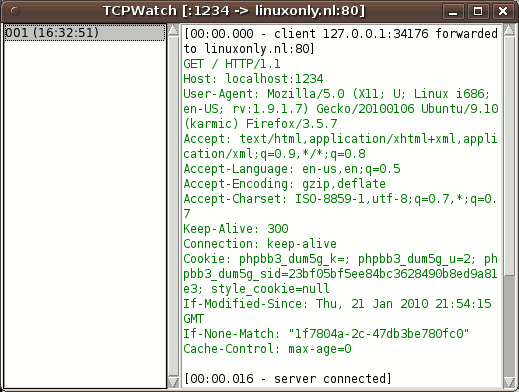
TCPWatch is a simple Python program which has two operation modes:
HTTP proxy
Port forwarding
In port forwarding, TCPWatch listens on a local port and relays the HTTP request sent to this port to a remote host. The following command will listen for HTTP requests on port 8000 and forward them to linuxonly.nl:
$ python tcpwatch.py -L 8000:linuxonly.nl:80
Thus the request can be seen by using the URL http://localhost:8000/. However, as TCPWatch does not rewrite the Host header, this will not trigger the right virtual host.
Proxy mode
Start TCPWatch, by running python tcpwatch.py -p 8080.
Configure the client to use the proxy. Host localhost, port 8080.
Do the request.
In TCPWatch, click on the number in the left column.
The request and response are shown in the right column.
Forwarding mode
Start TCPWatch, by running python tcpwatch.py -L 8000:host.example.com:80, where host.example.com is the site to connect to and 8000 is the local port to listen on.